Automating SAP GUI workflows
- Introduction
- The problem: SAP® is powerful, but not every process gets an API
- What Zoho RPA's SAP GUI automation actually does?
- How this differs from traditional back-end automation
- The bottom line
- Ready to see SAP GUI automation in action?
Introduction
What can Zoho RPA do for SAP users and how it differs from traditional back-end automation?
SAP is the operational backbone for thousands of enterprises, but it's rarely the only system in the picture. Data still needs to move between SAP and Excel sheets, web portals, legacy applications, third-party tools and a lot of that movement still happens manually, screen by screen, transaction by transaction.
With its new SAP GUI automation capability, Zoho RPA is aiming squarely at that gap.
Here's what it actually does, and why it's a fundamentally different approach from the usual API-based integrations.
The problem: SAP® is powerful, but not every process gets an API
SAP exposes rich integration options and most large organizations have built custom middleware or iPaaS platforms to connect SAP to the outside world. But a huge share of day-to-day SAP work doesn't fit that mould.
Custom or legacy transactions that were never wrapped in an API
One-off tasks that don't need a new, dedicated development project
Processes that span multiple transactions and screens, with conditional logic a human normally applies
Situations where IT doesn't have the bandwidth, budget, or skills to build a formal interface
Older SAP modules where no clean API exists at all
In these cases, the "integration" is a person sitting at the SAP GUI, keying in data, navigating menus, and copy-pasting between SAP and a spreadsheet or email. That's exactly the gap RPA is designed to close.
What Zoho RPA's SAP GUI automation actually does?
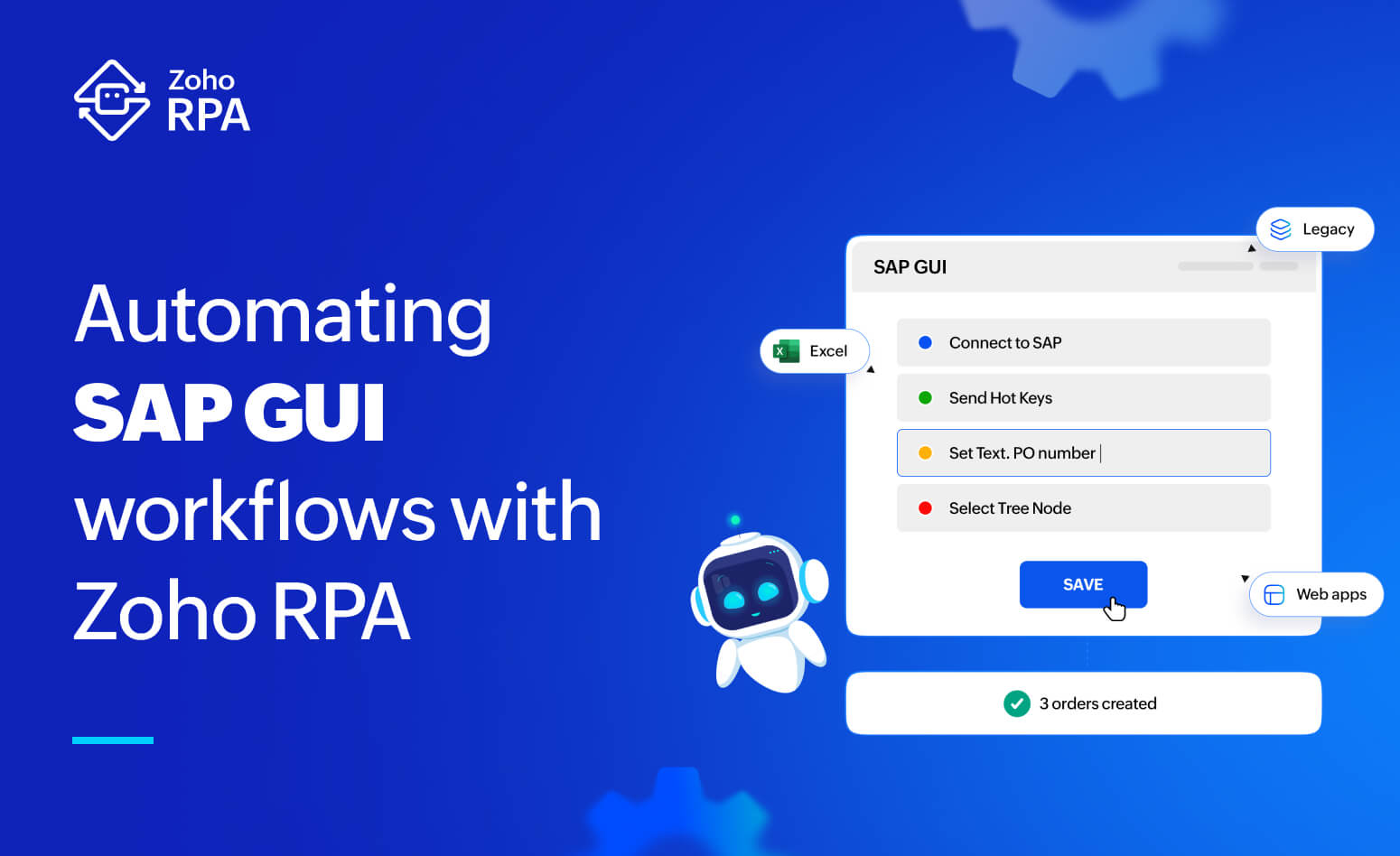
Zoho RPA lets a bot interact with SAP GUI the way a human user would, rather than through a programmatic backend interface. In practice, this typically covers actions like:
Launching and logging into SAP GUI sessions, including selecting the system, client, and credentials
Navigating by transaction codes (T-codes)
Reading and writing data in screen fields, setting values, selecting dropdowns, checking boxes, clicking buttons
Extracting data from SAP GUI tables and grids into structured data
Handling pop-ups and dialog boxes that SAP frequently throws (warnings, confirmations, print dialogs)
Looping through records. For example, creating dozens of sales orders or updating hundreds of vendor master records by feeding the bot rows from an Excel file
Pro tip: You can chain these SAP automation steps with every other application in your business process such as Excel, email, PDFs, documents and web applications, so that a single workflow can pull data from an email attachment, process it, key it into SAP, and then push a confirmation to another system
Some practical scenarios where Zoho RPA's SAP GUI automation is useful:
Automating invoice entry, reconciliation, or vendor master updates that involve pulling data from emails or spreadsheets
Bulk creation and updates of sales orders from data received outside SAP
HR onboarding tasks that touch multiple information types and screens
Running custom reports, extracting ALV grid output, and pushing it into Excel or a dashboard automatically
How this differs from traditional back-end automation
Traditional SAP automation works at the data layer. A request goes to a defined interface, SAP processes it internally, and a response comes back.
GUI-level RPA works at the UI layer instead. The bot doesn't call an API; it drives the same screens, fields, and buttons a human employee would.
The key point isn't that one approach replaces the other. It's that they solve different problems.
| Traditional back-end automation | SAP GUI automation with Zoho RPA |
Point of interaction | SAP's data/application layer | SAP GUI screens, exactly as a user sees them |
Development effort | Requires interface development, often IT-led | Provides a business-user friendly recorder and a drag-and-drop builder |
Time to deploy | Weeks to months | Days |
Coverage | Limited to processes with API endpoints | Works for any application including manual actions and legacy screens with no API |
The bottom line
Zoho RPA's SAP GUI automation gives SAP customers a way to automate the processes that fall outside the reach of formal APIs: manual transactions, legacy screens, and the many small, manual workflows that never made it onto an integration roadmap. Traditional back-end automation can still be used when APIs are available. Together, the two approaches let organizations cover far more ground: APIs for the cloud systems, RPA for everything across screens that means someone typing into SAP all day.
Interested in a personalised demo? Please share your requirements with us here.