- HOME
- CPQ (Configure, Price, Quote)
- Multicurrency pricing in CPQ: How to quote, bill, and collect in your customer's currency
Multicurrency pricing in CPQ: How to quote, bill, and collect in your customer's currency
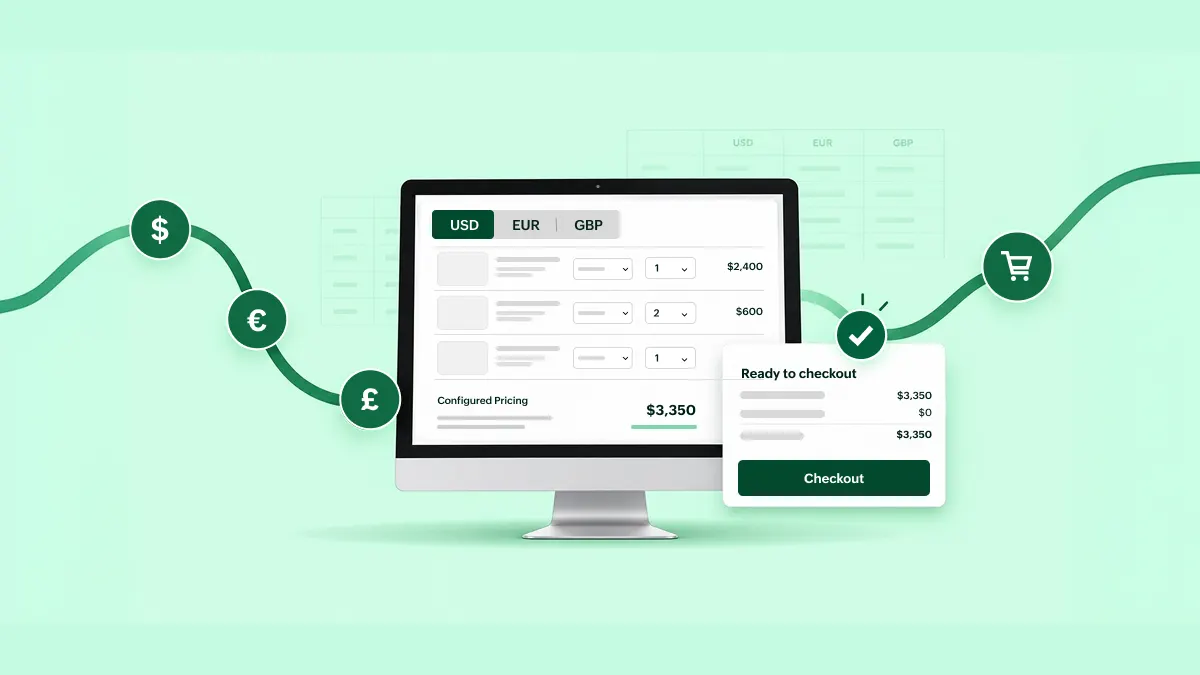
A buyer in Germany is interested in your product and requests a quote. Your price list is in US dollars, so the sales rep converts the price to euros and shares it with the buyer. Two weeks later, the invoice goes out and finance uses a different exchange rate. The customer is surprised and writes back asking why the amount has changed.
No one made a mistake here. The process just wasn't built to handle multiple currencies. This article explains what multicurrency pricing is, how it helps businesses, how a billing system should handle it from the quote to the invoice, and what to look for in a checkout experience.
What is multicurrency pricing?
Multicurrency pricing means offering your products and services to customers in their local currency instead of listing them in your base currency; a customer in Dubai sees dirhams, a customer in the UK sees pounds, and a customer in India sees rupees.
There are two common ways to do it:
Converted pricing – You convert pricing from your local currency to other currencies using an exchange rate. It's easy to set up, but prices move whenever the exchange rate changes.
Fixed local pricing – You set a standard price in each currency, such as $99, €90, or ₹9,999. Customers see constant pricing, and you decide how each market is priced.
Business usually use a mix: fixed prices in their focus markets, and converted prices elsewhere.
How multicurrency pricing helps
Multicurrency pricing offers various advantages to businesses, including:
Buyers trust prices they recognize. Customers don't have to convert prices in their heads; there's less hesitation, hence, better conversions.
Quotes get accepted faster. A quote in the buyer's local currency is easier to get approved internally, especially when they have a different team signing off.
Pricing can match each market. Fixed local prices gives you the flexibility to decide pricing based on that particular market, rather than applying one conversion across the board.
There are fewer disputes. When the amount in a quote matches the amount in an invoice, there is less scope for disputes as the quote-to-cash process becomes seamless.
There are cleaner finance operations. Clear rules on exchange rates and base-currency reporting reduce the manual reconciliation that comes with cross-border sales.
It's easier to expand into new markets. Entering a new market now becomes a pricing decision rather than a complicated project where you need to establish your process from scratch.
What goes wrong without it
Teams that handle multiple currencies manually tend to run into the same problems:
Reps convert prices in spreadsheets and different reps could use different rates.
The exchange rate at invoice time is most likely to be different from what it was when the quote was shared, and the amounts won't match.
Constantly tracking exchange rates and updating them manually can be time-consuming and may lead to inaccurate conversions.
Repeated manual calculations and data entry can lead to incorrect transaction values, duplicate entries, and reporting errors.
Maintaining accurate records of exchange rates used for each transaction can make audits and financial reviews more complicated.
Finance spends time at month-end explaining differences between bank statements and foreign transactions instead of closing the books.
These issues grow with the number of currencies and the volume of quotes.
How a billing system should accommodate multiple currencies
Multicurrency isn't a single feature. It has to work across the whole quote-to-cash journey. Here's what to check at each stage.
Pricing tables and price lists
Support for price lists based on each currency you intend to sell in helps you set fixed local prices in the markets you operate.
The option to define a base currency and convert from it in countries where fixed prices aren't needed.
Tiered, volume, and subscription pricing that work in every currency, not just the base one.
A single product catalog, so you aren't maintaining separate catalogs for each market.
Quotes
The rep can pick the customer's currency when creating a quote and the correct prices load automatically.
Discounts, taxes, totals, and terms display in that currency.
If converted pricing is used, the applied exchange rate is clear and mentioned on the quote.
The quote template is consistent across currencies, with the right symbols and formats.
Discounts
Percentage discounts apply cleanly across currencies.
Fixed amount discounts can be set at the currency level, so a "100 off" doesn't mean the wrong thing in rupees, pounds, and dollars.
Approval limits are consistent across currencies. A discount threshold set in dollars should translate to the corresponding amounts in other currencies. This is essential for teams running a deal desk.
Rounding is handled consistently, so line items add up to the same total every time.
Invoices
The invoice amount matches what's mentioned in the quote.
Exchange rate handling is clear; it is either locked at the quote stage or the quote clearly mentions it will be calculated at the time of invoicing.
Taxes such as VAT or GST are calculated correctly for the customer's region.
Subscription renewals and mid-term changes continue in the same currency.
Payments and reporting
Payments can be collected in the customer's currency, and the system records any difference between the invoice amount and the amount received.
Finance can report in the base currency while still seeing the original transaction currency.
Revenue recognition works from the contract currency, which matters for compliance with standards such as ASC 606 and IFRS 15.
For more on why this link between quote and invoice matters, read how to close the gap between quote and invoice.
Checkout: The last step of the currency experience
A customer can receive a perfect quote in their own currency and still hit a roadblock at checkout. Here's what a good multicurrency checkout does.
Shows the same price the customer was quoted: A consistent experience ensures there is no drop-off at the final step.
Supports the currency of the invoice: The payment page displays the right currency and symbol from the start.
Offers familiar payment methods: Customers are more likely to complete a payment when they see their preferred payment method at checkout. Offering options for card payment, bank transfer, or local method they already trust can boost conversion.
Works on a hosted payment page or a customer portal: Customers can view invoices, see amounts in their own currency, and pay in one place.
Handles failed or partial payments gracefully: Clear messages and an easy retry reduce lost revenue.
The aim is for the customer to see one currency, one price, and one clear path to pay, from quote to payment.
What to look for in a multicurrency CPQ and billing setup
Here is a quick checklist:
Support for both fixed local pricing and converted pricing
A single product catalog with prices in multiple currencies
Professional looking quotes that show the right currency and the exchange rate used
Discounts and approval rules that work across currencies
Invoices that carry the quote's currency and terms without re-entry
Tax handling for each region
Payment collection in the invoice currency
Base-currency reporting alongside the original currency
An audit trail of price and rate changes
How does Zoho Billing fit into all of this?
Zoho Billing handles multicurrency selling as part of the same system that creates your quotes, subscriptions, and invoices. You don’t have to stitch together separate tools or convert amounts by hand between steps, so the amount a customer sees on the quote is the amount they see on the invoice. For multicurrency selling, that means:
One system from quote to invoice – The pricing and terms agreed at the quote stage carry through to the subscription and invoice, with no manual re-entry needed, so the currency and amounts stay consistent.
Approvals you control – The business decides what falls within standard limits and what needs approval, and the system works within those rules.
A full audit trail – Every pricing decision, from a discount override to a bundle configuration, is logged and traceable to the rule or approval that allowed it.
A fit for all teams – It doesn't require a dedicated RevOps team or a lengthy implementation, which suits businesses of all sizes to start selling across borders.
Want to see how it works? Explore Zoho Billing or schedule a demo with us.
Frequently asked questions (FAQ)
Multicurrency pricing lets a business offer its products and services in customers' local currencies instead of a single base currency. Prices can be converted from a base price or set individually for each currency.
Converted pricing applies an exchange rate to a base price, so local prices shift as rates change. Fixed local pricing sets a specific price per currency, which stays stable and can be tailored to each market.
Why does multicurrency pricing matter in CPQ?
The quote is where the customer first sees a price. If the currency or amount on the quote doesn't match the invoice, it causes confusion and disputes. Handling currency at the quote stage keeps the whole cycle consistent.
Can customers pay in their own currency at checkout?
That depends on your billing system and payment gateway. A good setup shows the invoice amount in the customer's currency and lets them pay without a surprise conversion.
Does CPQ in Zoho Billing carry the quote's pricing into the invoice?
Yes. Since CPQ is built directly into the Zoho Billing engine, the pricing and contract terms agreed at the quote stage carry through to the subscription and invoice, with no manual re-entry.
Yes. The business draws the boundary between automatic quoting and human review, so you decide what falls within standard limits and what needs sign-off.