- HOME
- More
- Industry insights
- How email attacks target schools and universities
How email attacks target schools and universities
- Published : November 19, 2026
- Last Updated : November 19, 2026
- 15 Views
- 9 Min Read

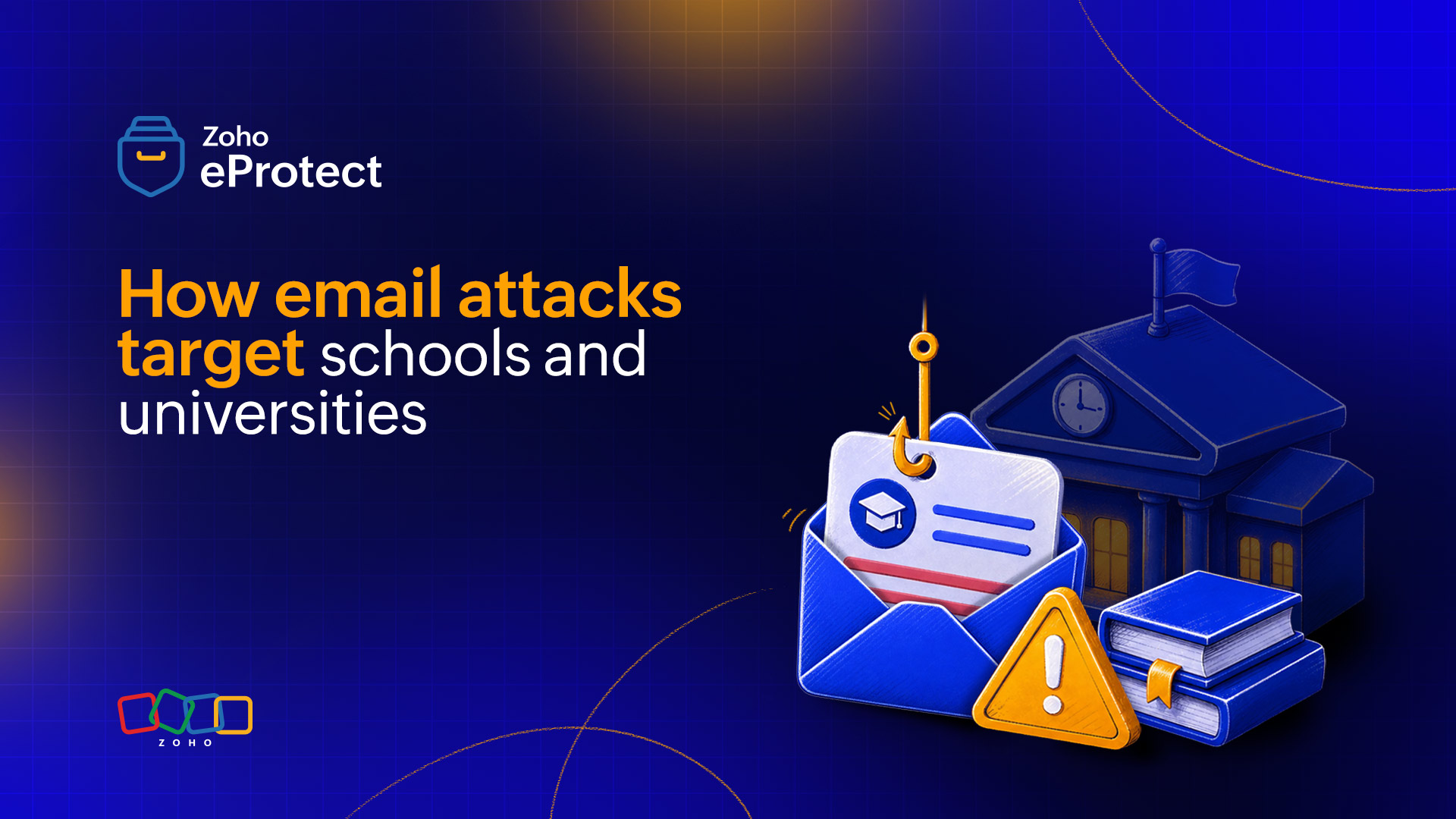
Education email threats are attacks that begin in the inbox of a school or university. They include phishing, payment fraud, account takeover, and ransomware. Email is the most common starting point. In a 2026 Sophos survey of education ransomware victims, malicious email was the leading technical cause in both lower and higher education.
In this article, we discuss why education is an easy target, when attacks peak, who is targeted, the main attack types, and a practical 30-day plan for small IT teams.
Why education is a distinct target
Certain features make schools and universities different from most businesses. This also makes them an easy target for cyber attacks.
Open networks
Students, staff, parents, alumni, contractors, and visiting researchers all need to email each other freely. Tight restrictions would get in the way of teaching and research. This lack of restriction lets unwanted mail get through.
Constant account turnover
New accounts are created every term. Accounts belonging to graduates, transfers, and former staff often stay active long after the person has left.
Valuable data and money
A single staff mailbox can give access to student records, payroll, financial aid, and vendor payments.
Small teams
Many IT teams have only a handful of people and a limited budget. In the 2026 K-12 report from the Center for Internet Security and MS-ISAC, 56% of surveyed leaders said their cybersecurity programs were underfunded.
High attack volume
Barracuda counted 58.8 million phishing emails sent to 536 educational institutions over three months, which is about 1,200 per institution per day. With that many attempts, some will get through.
The academic calendar is an attack calendar
Attackers time their emails to match what schools are already doing. A message about transcripts, financial aid, or account deactivation gets opened because it fits the season.
The table follows a typical school year that starts in late summer and ends in spring.
| Period | What is happening on campus | Typical lures |
| April to June | Graduation, transfers, retirements, summer orientation | Account deactivation notices, fake campus job offers |
| Mid-July to August | Account setup, staff return, new contacts | Credential phishing, mailbox takeover, internal phishing |
| September | Term starts, admissions, transcript processing | Fake transcript requests, compliance notices, mass job offers to students |
| October to November | Aid disbursement, vendor renewals | Payment redirection, fake invoices, aid, refund notices |
| December to January | Exams end, spring registration, year-end budgets | “Mailbox full” and account verification notices, fee, and refund fraud |
The calendar also works as a warning schedule. Each team can be briefed on its likely attack before its busy period starts: finance before aid is paid out, admissions before transcript season, and the help desk before graduation.
Who’s targeted?
Attackers pick a role first, then write the email around that person’s daily work.
Registrar and admissions staff
They receive fake transcript requests. If a staff member opens the file or link, the attacker can gain remote access to systems that hold student records.
Bursar and finance teams
They receive fake invoices, bank-detail changes and payroll redirection requests. The loss is money, often a large amount.
Faculty and researchers
They receive fake shared-document links and official-looking compliance notices. The result is a stolen login, which can expose research data and student records.
Help desk staff
Attackers pose as a staff member or student and ask for a password reset. If the request is approved, the attacker gets the account.
First-year and international students
They’re offered remote jobs, scholarships, or aid. The loss is personal money and, in some cases, legal trouble.
Parents
They receive fake tuition, fee, or refund notices, and the payment goes to the attacker.
Vendors and suppliers
A compromised supplier mailbox can be used to send convincing invoices or to reach student data.
Common email attacks against schools and universities
Credential phishing
Credential phishing aims to steal a username and password. The email usually claims that something needs urgent attention, such as a compliance notice, a shared document, or an account about to be deactivated. The link leads to a fake login page.
Mimecast documented a campaign that sent a fake student-records compliance notice to about 300 employees at four universities. The fake Microsoft sign-in page let the attacker guide the victim through multi-factor prompts as they appeared, so a second step didn’t stop the attack.
Compromised .edu accounts
Once an attacker controls one account, the next emails come from a real, trusted address. Proofpoint notes that a .edu address lends credibility both inside and outside the institution. The sender can also pass basic authentication checks, because the account is genuine. This is why one compromised account at one school can lead to attacks on others.
Business email compromise and payment redirection
Business email compromise targets money rather than logins. The attacker poses as a vendor, executive, or employee and asks for a change of bank details, an urgent transfer, or a payroll update. Finance teams are targeted because they handle large payments on predictable schedules.
These emails often contain no malicious link or attachment, so filters have little to flag. A call-back to a number already on file is the most reliable check.
Job and scholarship scams
In many cases, students are targeted directly. A common scam offers a remote job and then sends a check. The student is told to deposit it, keep part of it as pay, and send the rest on, often as gift cards. Proofpoint found that a typical check was about $1,000, with about half to be kept. When the check turns out to be fake, the bank takes the money back and the student is responsible.
It’s also possible that the scammers move the conversation to text messages, which are outside university monitoring. Students pulled into these schemes can face frozen accounts and legal trouble, even if they didn’t understand what was happening.
Because these emails often appear to come from the university, institutions have a duty of care toward students. Security teams, careers services, and student support should share reports of fake job offers.
Malicious attachments and remote-access threats
Some emails try to get software installed instead of stealing a password. Mimecast tracked more than 400 emails to 60 American universities that used fake transcript requests aimed at admissions teams. The link led to a download that installed remote-access software, which lets an attacker see and control the computer.
Admissions teams are a natural target during application season, because opening transcripts from unknown senders is part of the job.
Email-led ransomware
Ransomware locks an institution’s files and demands payment. It often starts with a stolen login rather than a technical flaw. Sophos found that identity-based methods, including malicious email, phishing, and stolen credentials, started 85% of attacks on education providers. Recovery is often expensive. The average cost in education reached $2.26 million, not counting any ransom paid.
What happens after a compromise
A stolen password is usually the start of an attack, not the end. Attackers often plan to use the account as a lure once an account has been compromised.
Hiding activity
Attackers often create inbox rules that delete or move messages, so the owner never sees replies or warnings. Red Canary documented a case with a rule named with repeated dots that deleted all incoming mail.
Spreading
The compromised mailbox is used to send phishing emails to colleagues and students. These emails come from inside the institution, so they’re trusted.
Using dormant accounts
Alumni and former staff accounts are useful because nobody watches them. Alumni often keep active accounts but rarely check them. This lets attackers take over their contact lists.
Getting past MFA
Multi-factor authentication stops many attacks. Attackers using job scams as their premise go after accounts without it. Even though it can’t be considered complete defense, phishing-resistant MFA, such as passkeys or hardware security keys, gives stronger protection.
The institution’s domain as a weapon
A school or university domain works as a badge of trust. Attackers abuse it in two ways.
Inbound abuse
Emails from compromised accounts at other institutions come from real domains and pass standard checks. Authentication confirms where an email came from, not whether the sender is honest. Filtering also has to examine content, links, and behavior.
Outbound abuse
Attackers can also forge the institution’s own domain to email its students, parents, and vendors. Three standards protect against this:
- SPF lists the servers allowed to send mail for a domain.
- DKIM adds a digital signature that shows a message came from an authorized sender and wasn’t altered.
- DMARC tells receiving servers what to do when SPF and DKIM checks fail, and sends reports on who is using the domain.
A typical DMARC rollout starts with DMARC in monitoring mode. The reports show which systems send mail as the institution, such as the student information system and bulk-mail tools. Once those are fixed, DMARC moves to enforcement, which tells receivers to reject forged mail.
The visibility gap
Many institutions cannot say with confidence whether an attack has succeeded. In Barracuda’s survey, education organizations were four times more likely than the global average to say they couldn’t tell whether they had faced an email security incident. The survey included 113 education respondents, so the figure is indicative.
Without that visibility, the size of an incident stays unknown. This leaves questions about which accounts were opened, if any data was deleted, or if student records were accessed.
Email archiving helps answer those questions. An archive stored separately from the mail provider keeps a searchable copy of messages, even if an attacker deletes items from a mailbox. It supports three tasks:
- Investigation: Search by sender, recipient, keyword, or date to reconstruct what happened.
- Scoping: Identify who received messages from a compromised account.
- Compliance: Keep and produce records for student-privacy obligations (such as FERPA in the US), public-records requests and legal holds. Specific retention rules should be confirmed with legal counsel.
An archive doesn’t stop an attack. It makes the investigation faster and more reliable.
A realistic plan for a lean team
Not everything can be fixed in a month. The steps below are ordered by impact.
Week 1: Secure the highest-risk accounts
- List admin, finance, registrar, and help desk accounts, and confirm MFA is on for every one.
- Review auto-forwarding and inbox rules across the organization and remove anything unexplained.
- Confirm who receives security alerts, and make sure someone reads them.
Week 2: Protect the domain
- Check SPF and DKIM for every system that sends mail as the institution.
- Publish a DMARC record in monitoring mode and start reading the reports.
Week 3: Protect payments and the help desk
- Require a callback to a known number before any change to bank details or any urgent payment.
- Give the help desk a written identity-check procedure for password resets.
- Set up one simple way to report suspicious email, and tell staff and students where it is.
Week 4: Retire old accounts and test
- Disable accounts of former staff and graduates once the grace period ends.
- Decide how long email is kept, and confirm an independent archive is in place.
- Run a one-hour exercise. A finance user reports a suspicious invoice. Decide who investigates, and how quickly can the scope be found.
Wrapping up
Education email threats follow the school year. Attackers time their emails to admissions, aid, graduation, and orientation, target the people who handle money and records, and use compromised accounts and trusted domains to look legitimate. They also reach students directly, which makes this a duty-of-care issue as well as a security one.
No institution can block every message, so the plan should cover detection, containment, and a clear record of what happened. The starting points are MFA on the highest-risk accounts, a protected domain, payments verified by a second channel, old accounts retired, and an independent archive in place.
eProtect is a cloud-based email security and archiving solution built to defend against email threats that target educational institutions and other businesses. The solution offers advanced threat detection for on-premise and cloud email accounts, and is the security layer powering Zoho Mail, a platform trusted by millions of users.
Frequently asked questions
Schools need open email with students, staff, parents, alumni, and vendors, so more unwanted mail gets through. Accounts pile up every term, former users’ accounts often stay active, and a single staff mailbox can reach student records, payroll, and vendor payments. Small IT teams and high attack volumes add to the risk.
The most common are credential phishing, compromised .edu accounts, business email compromise (BEC) and payment redirection, job and scholarship scams aimed at students, malicious attachments such as fake transcript requests, and email-led ransomware. Attackers time many of these to the academic calendar, such as admissions, aid disbursement, and graduation.
Stop and do not enter any details or approve any prompts. Report it to IT or the help desk right away, even if nothing seems to have happened. If a password was entered, change it from a different device and tell IT so they can check for unusual inbox rules or forwarding. Quick reporting limits how far an attacker gets.
Student and staff data can be turned into money or further access. A staff mailbox can open student records, payroll, financial aid, and vendor payments. Students’ personal details and bank accounts are used in job and refund scams. A compromised .edu account also lends credibility to the next attack, inside and outside the institution.
eProtect uses advanced threat detection to identify phishing, malicious links and attachments, and other email threats before they reach users. It also includes email archiving, which keeps a searchable copy of messages separate from the mail provider. This helps IT teams investigate incidents, see who received messages from a compromised account, and meet record-keeping requirements.