Download any of our free expense report templates. Every template includes built-in formulas to calculate totals automatically, organized expense categories, and a clean layout that's easy to fill out, review, and share.
Choose your free expense report template
| # | Template | Best for | Download |
|---|
| 1 | Yearly Expense Report | Annual budgeting & year-end close | Download |
| 2 | Monthly Expense Report | Recurring monthly submissions | Download |
| 3 | Business Expense Tracker | Ongoing bookkeeping & tax prep | Download |
| 4 | Travel Expense Report | Business trips (air, hotel, meals, mileage) | Download |
| 5 | Independent Contractor Expense Report | Freelancers & 1099/Schedule C | Download |
| 6 | Corporate Card Expense Report | Reconciling company card statements | Download |
| 7 | Per Diem Expense Report | Trips reimbursed by daily allowance | Download |
| 8 | Mileage Reimbursement | Tracking business miles for reimbursement | Download |
| 9 | Employee Expense Reimbursement Form | One-off reimbursement + approval | Download |
Yearly expense report template
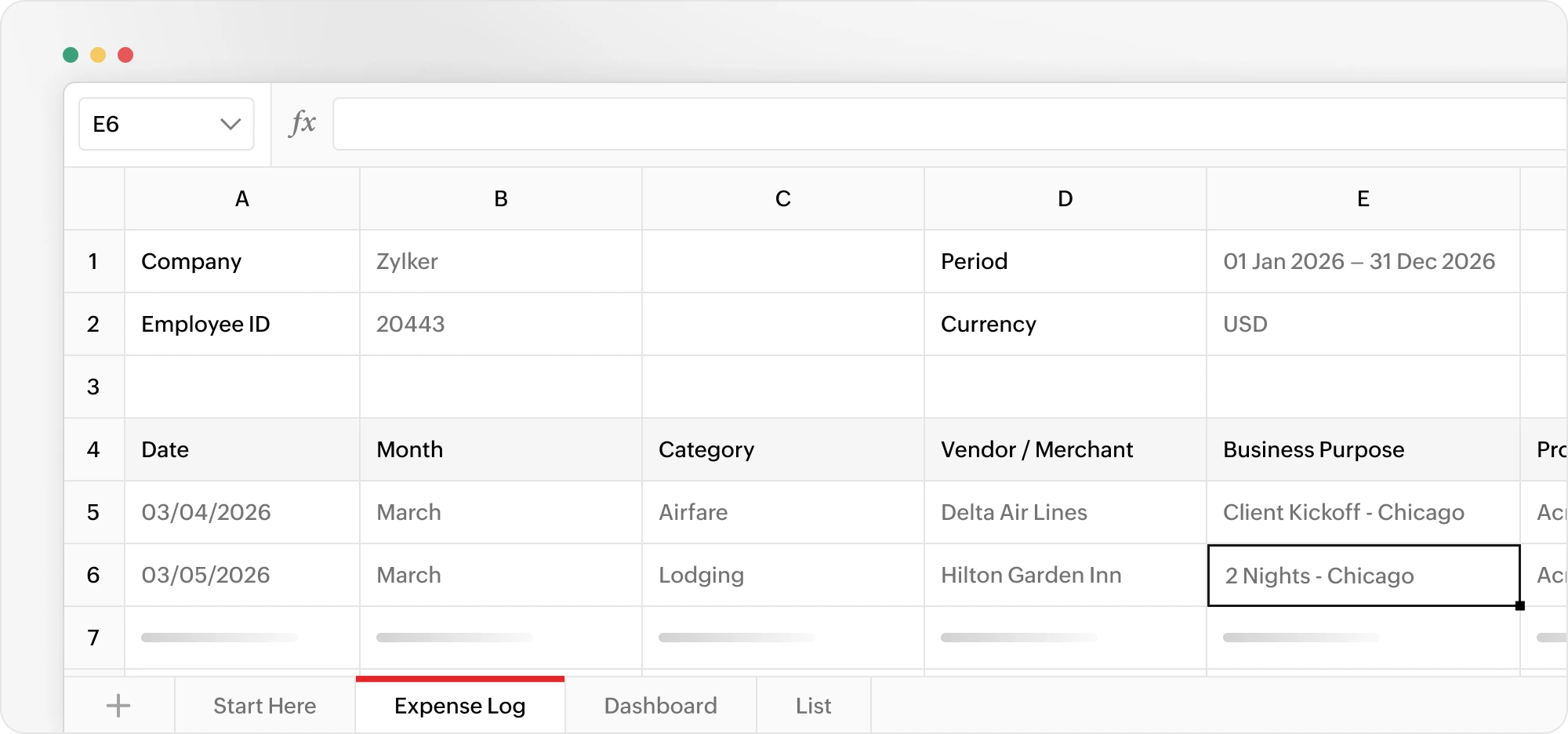
A yearly expense report helps you track business expenses throughout the year in one place. It groups expenses by month and category, making it easier to compare spending, plan budgets, and prepare year-end financial reports.
This template is ideal for finance teams, business owners, and anyone who wants a complete view of annual business spending.
Download the templateMonthly expense report template
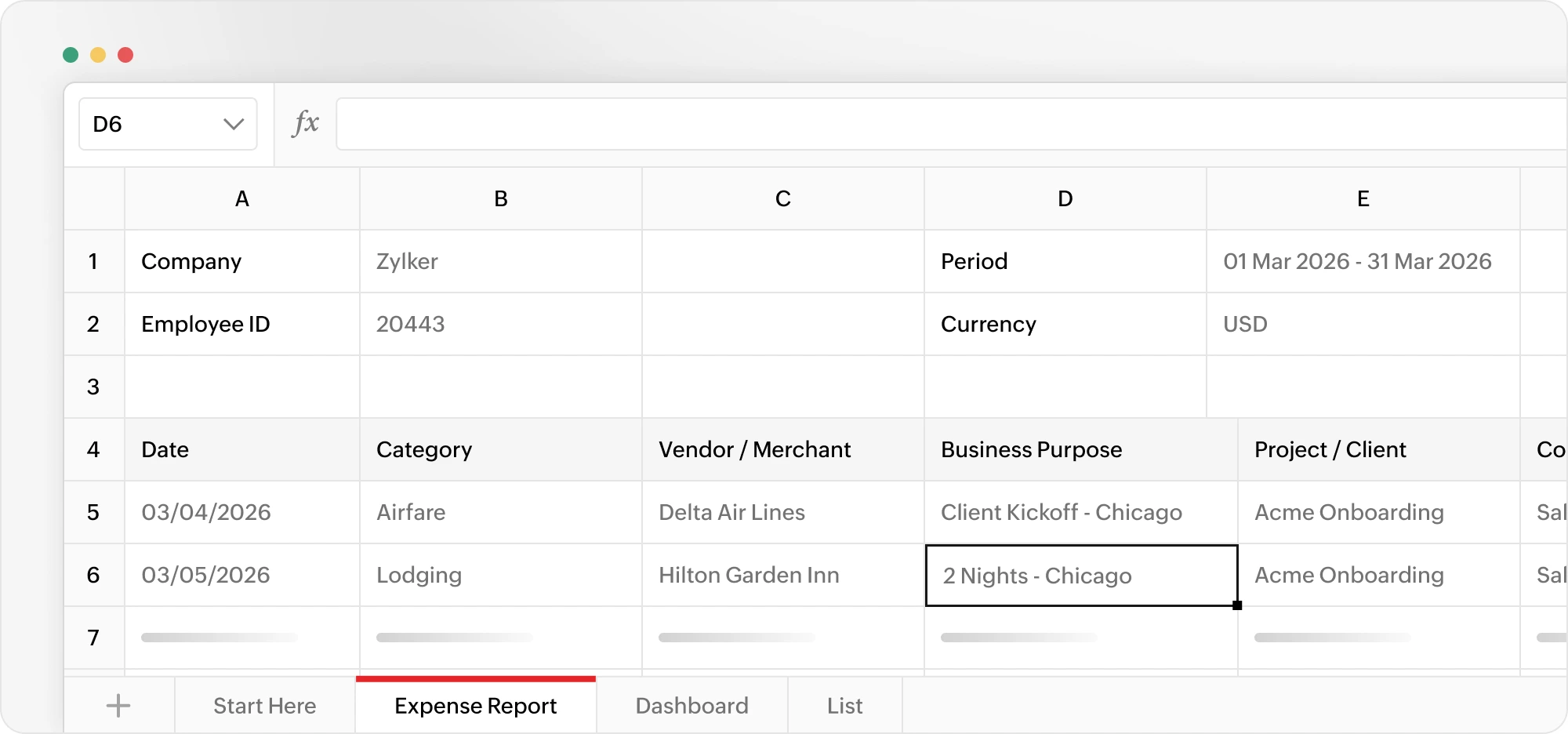
Use this template to record and submit expenses for a single month. Employees can list their expenses, while managers and finance teams can review, approve, and reimburse them using a consistent format.
It's a good choice for businesses that collect expense reports every month.
Download the templateBusiness expense tracker template
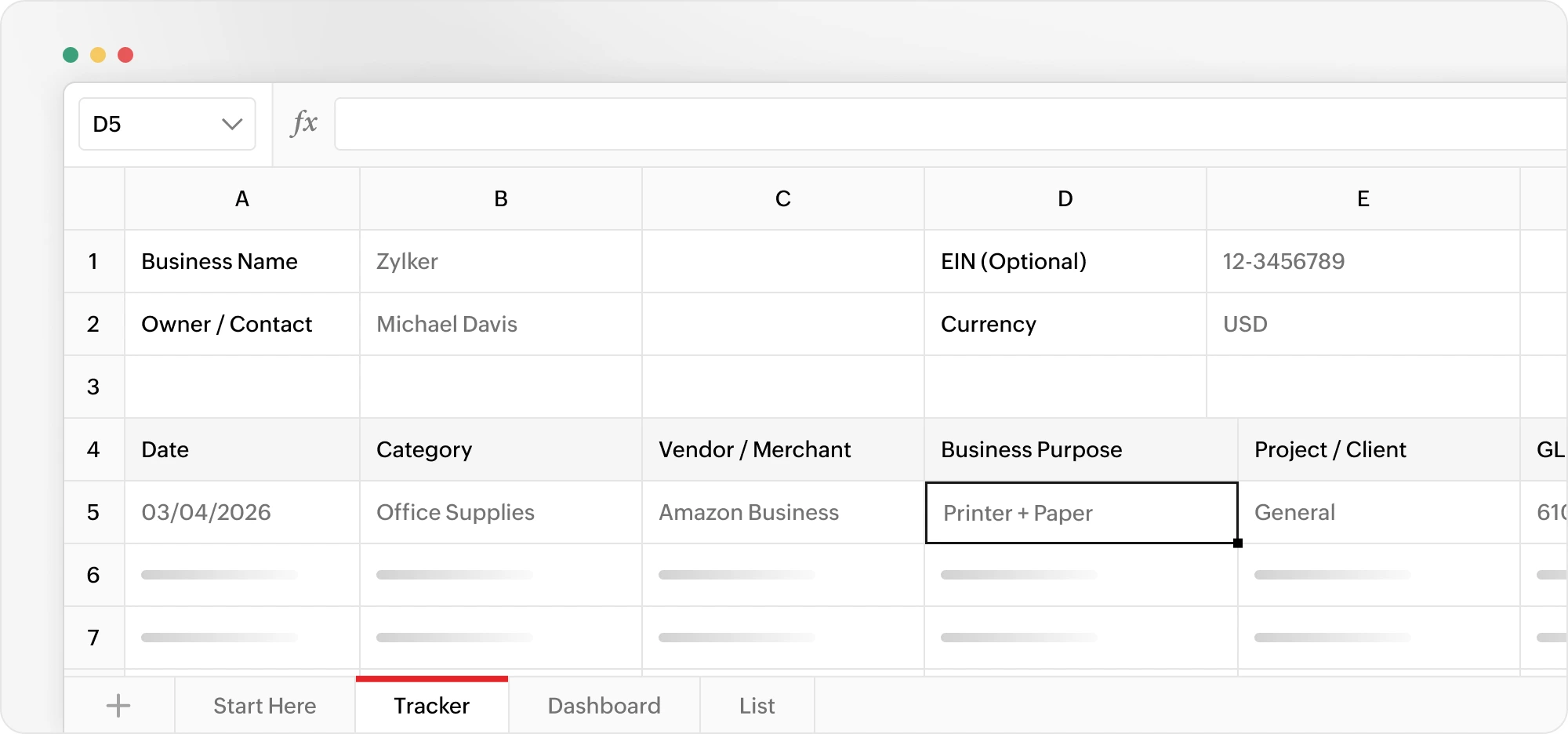
A business expense tracker is designed for recording day-to-day business expenses as they happen. Instead of creating a new report every month, you can keep adding expenses to the same tracker throughout the year.
Small businesses, startups, and self-employed professionals can use this template to stay organized and make bookkeeping and tax preparation easier.
Download the templateTravel expense report template
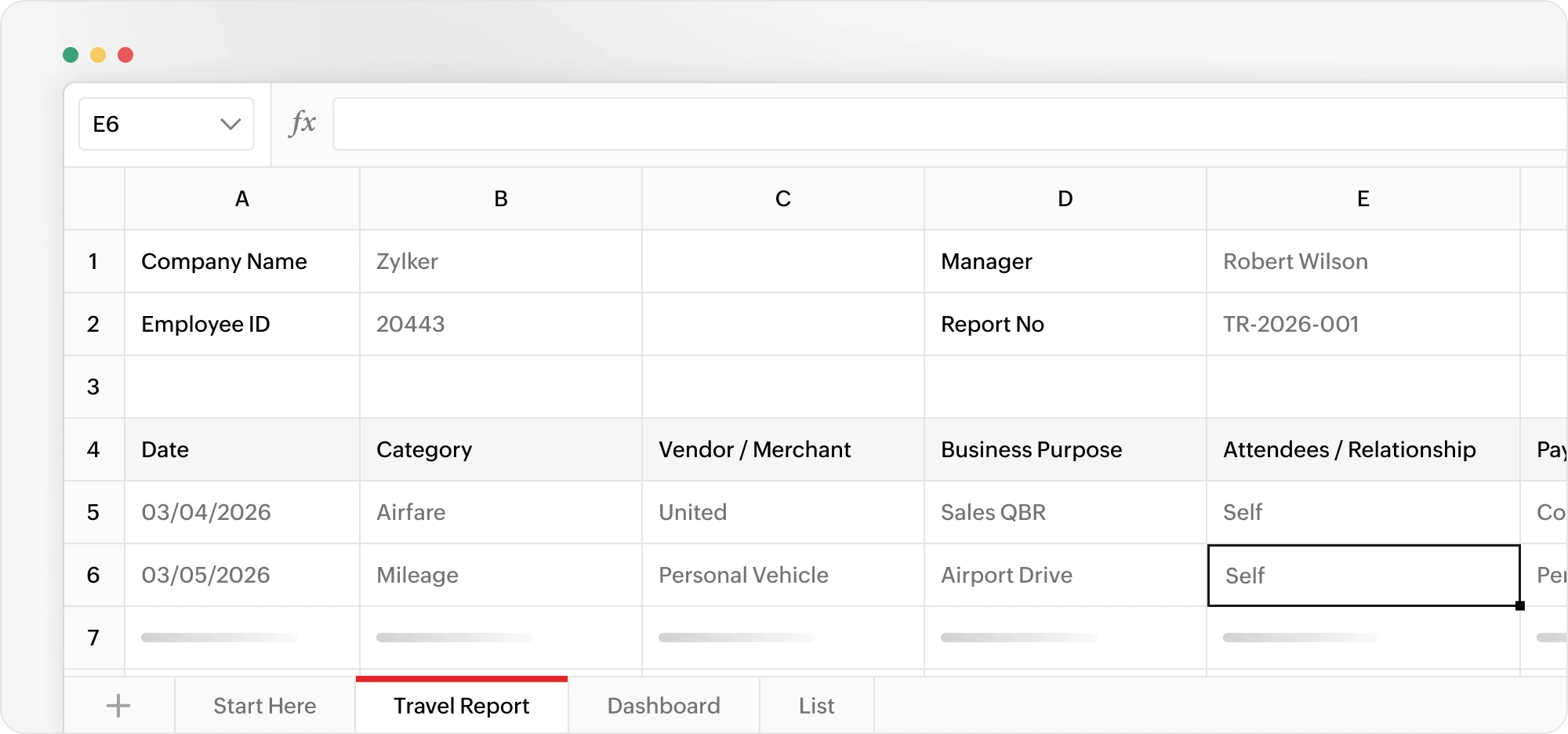
Business trips often include several types of expenses, such as flights, hotels, meals, taxis, parking, and mileage. This template lets you record every expense from a single trip in one report, making it easier to submit and review travel claims.
It's ideal for employees who travel for work and finance teams that process travel reimbursements.
Download the templateIndependent contractor expense report
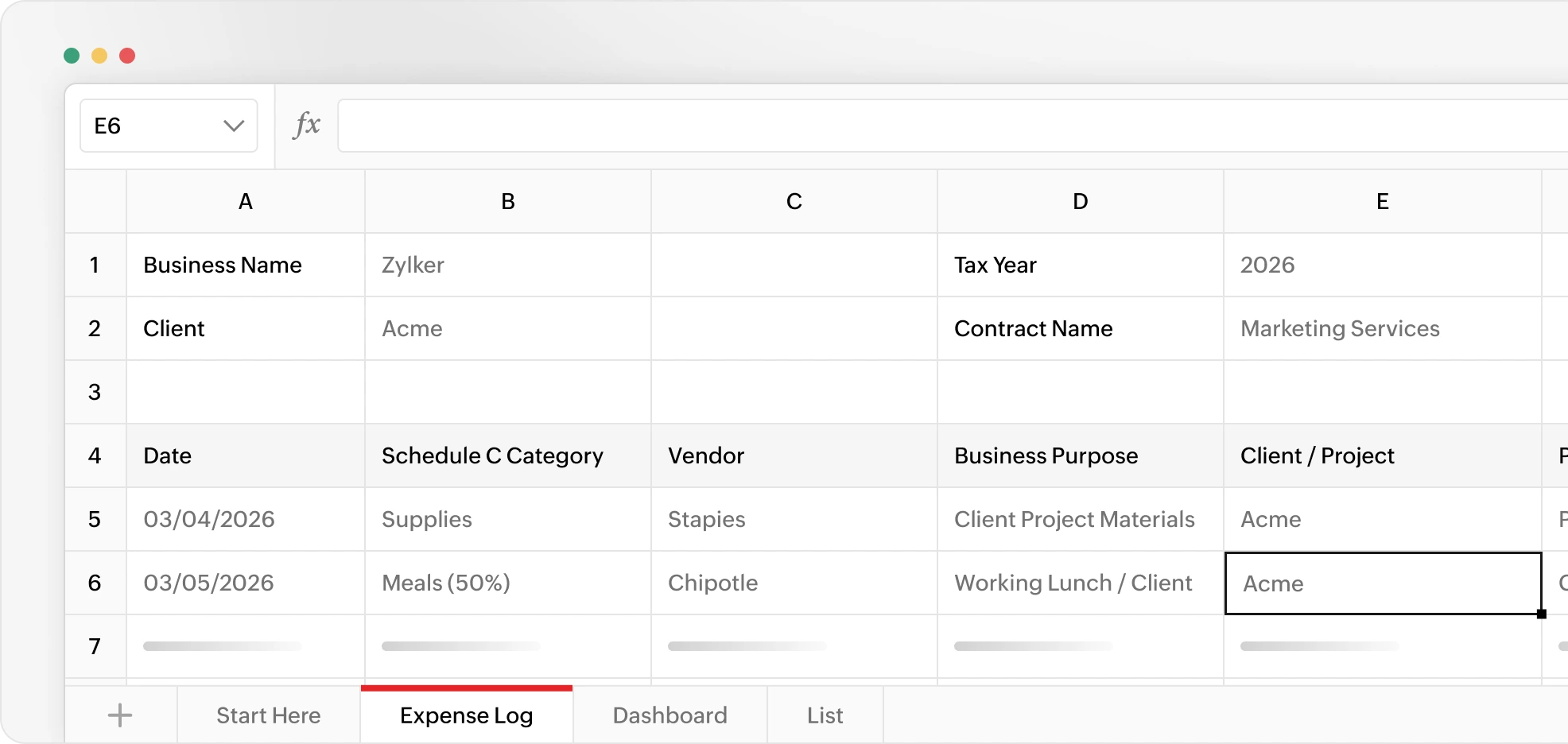
Independent contractors and freelancers are responsible for tracking their own business expenses. This template helps you organize expenses throughout the year, making it easier to understand where your money goes and prepare for tax season.
It's designed for freelancers, consultants, and other self-employed professionals.
Download the reportCorporate card expense report
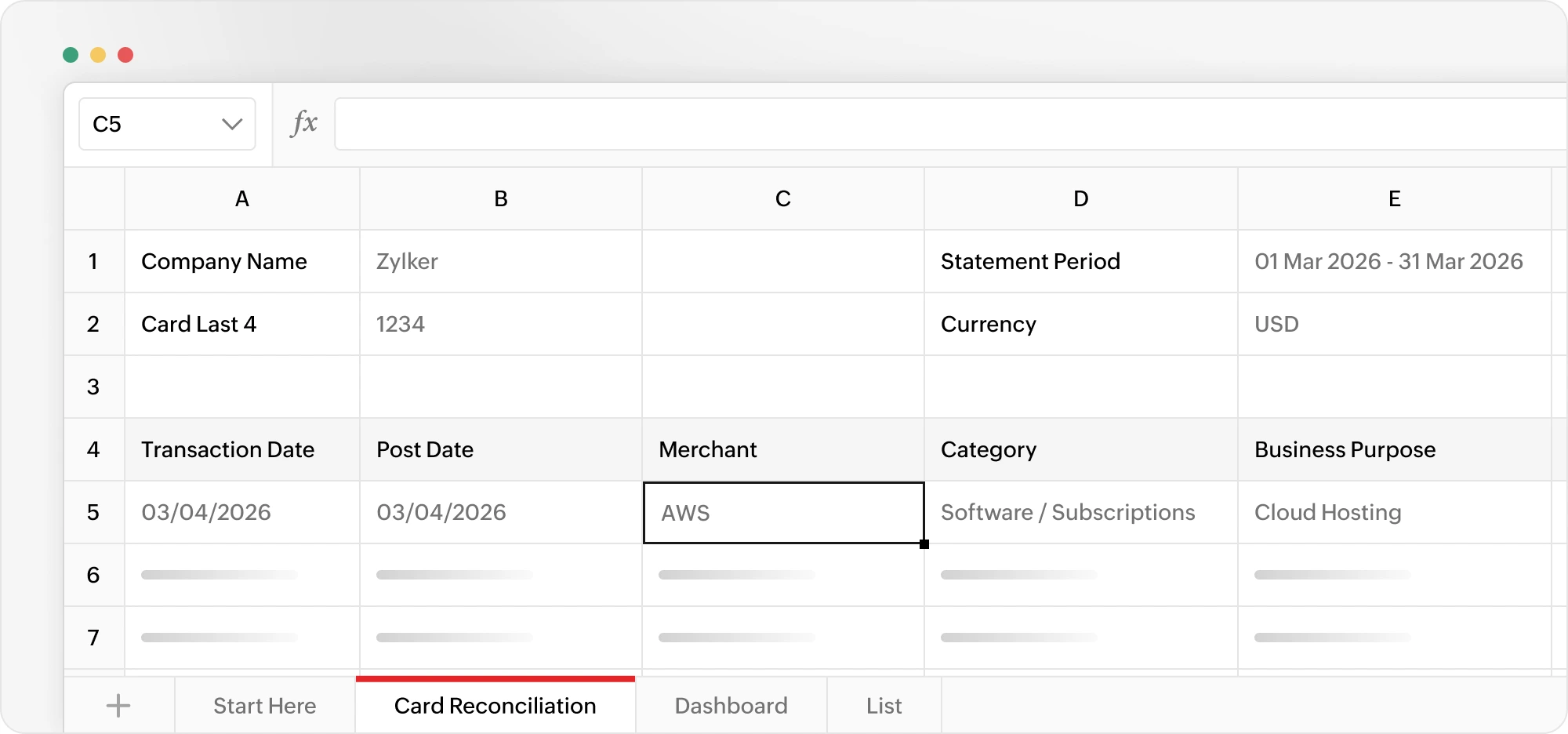
When employees use a company credit card, every transaction needs to be matched with receipts and business details. This template helps finance teams review company card spending, identify missing information, and reconcile card statements more efficiently.
It's best suited for businesses that issue corporate credit cards to employees.
Download the reportPer diem expense report
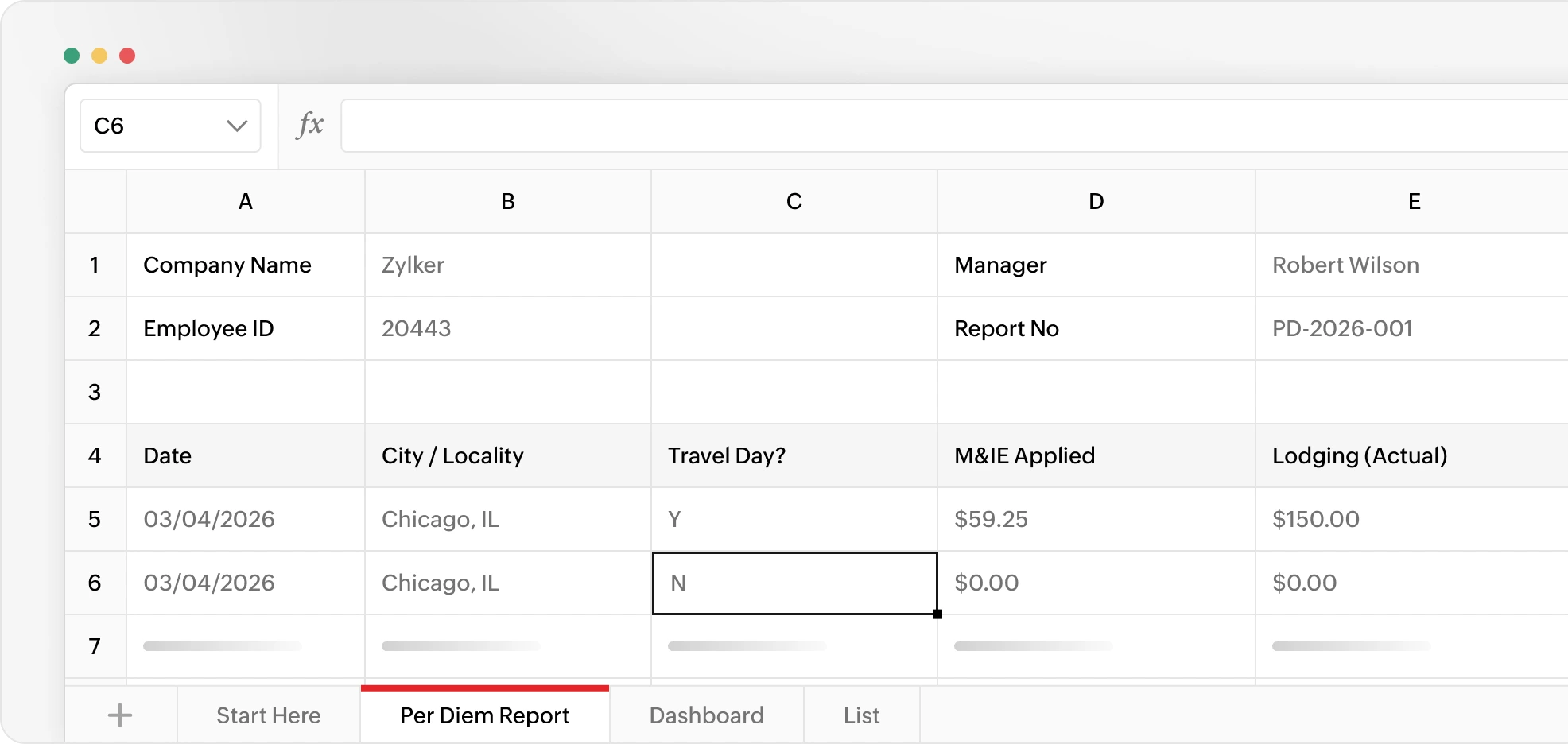
Some organizations reimburse employees using a fixed daily allowance instead of individual meal receipts. This template helps employees record each travel day and calculate the amount they're eligible to claim based on the company's per diem policy.
It's useful for businesses with frequent business travel and per diem reimbursement policies.
Download the reportMileage reimbursement template
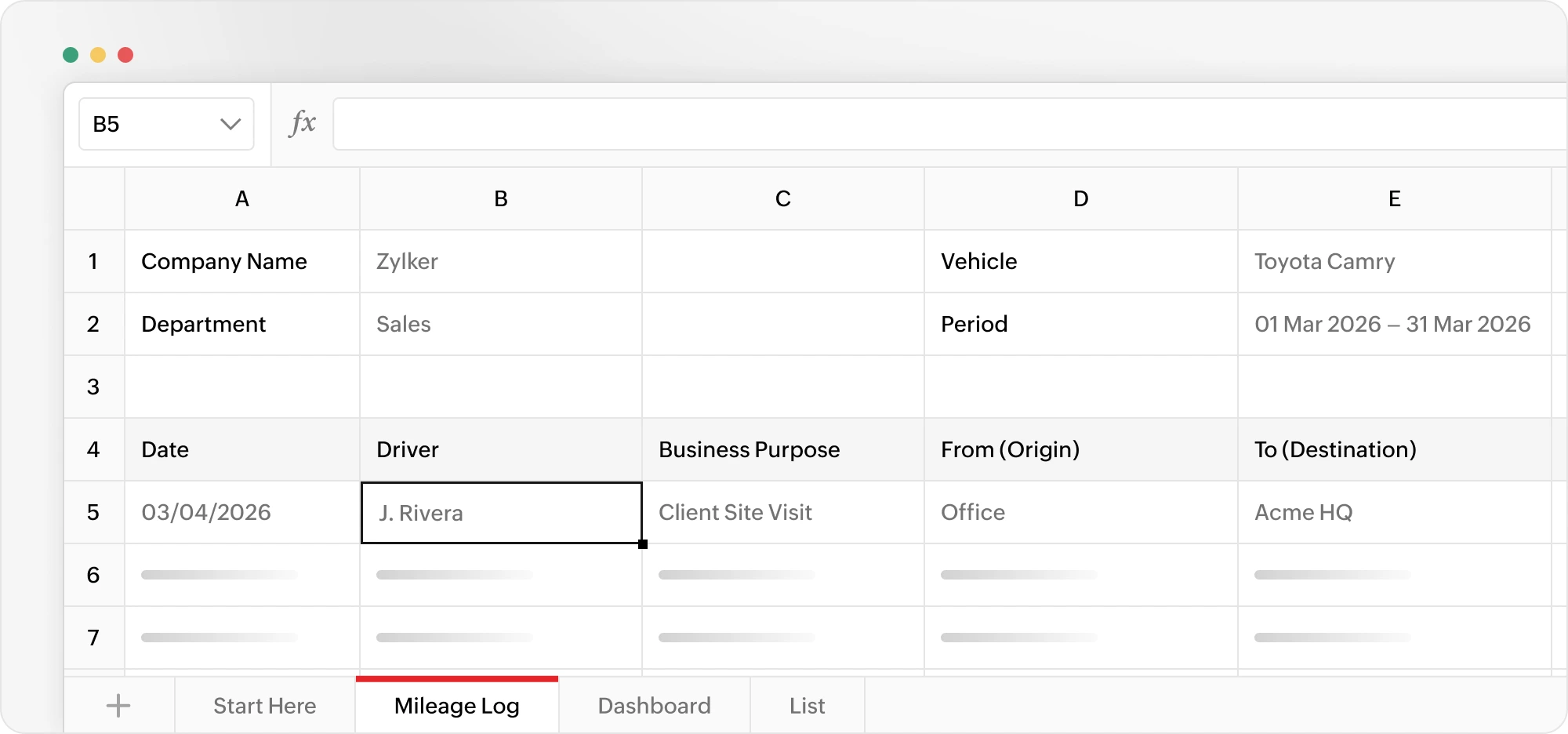
If employees use their personal vehicle for work, they often need to record the miles they travel before requesting reimbursement. This template keeps a log of every business trip and automatically calculates the reimbursement amount based on the mileage rate you use.
It's commonly used by sales representatives, field service teams, and employees who regularly visit customers or job sites.
Download the templateEmployee expense reimbursement form
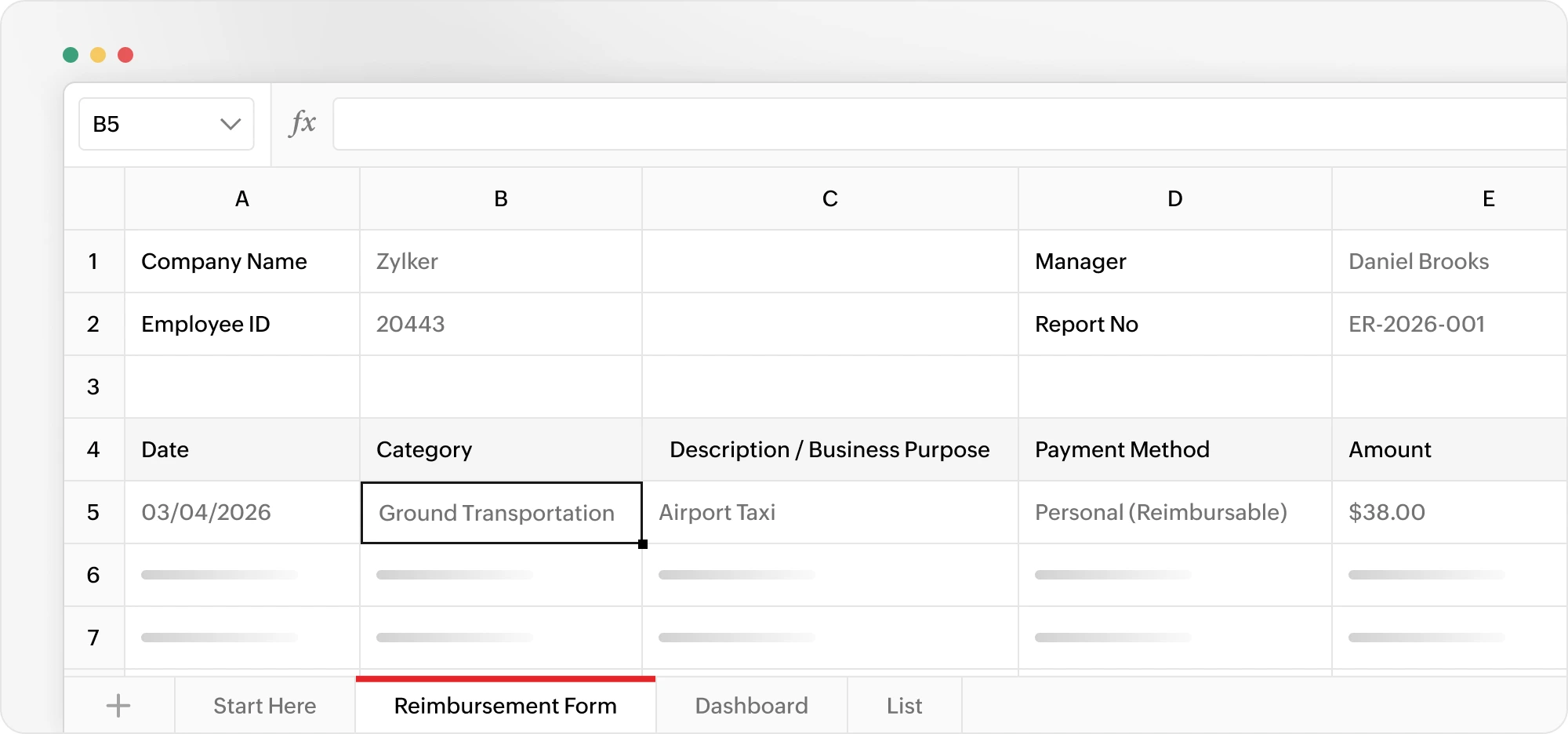
Sometimes an employee only needs to claim a few business expenses, such as office supplies, client meals, or parking fees. This simple reimbursement form captures the expense details, receipts, and approval information in one place, making it easy to process one-off claims.
It's a practical choice for businesses that don't require a detailed monthly expense report.
Download the formWhy use an expense report template?
Using a standard template keeps expense reporting simple and consistent. Instead of building spreadsheets or calculating totals manually, you can focus on recording expenses while the template does the calculations for you.
With these templates, you can:
- Record expenses in a consistent format.
- Automatically calculate totals.
- Categorize business spending.
- Keep reimbursement records organized.
- Prepare for tax filing and audits.
- Share reports with managers or finance teams.
Whether you're an employee submitting expenses, a freelancer tracking business costs, or a finance team reviewing reimbursements, these templates help you save time and stay organized.
What every expense report should include
A complete expense report should answer a few simple questions:
- What was purchased?
- When was it purchased?
- Why was it needed?
- How much did it cost?
Most expense reports include:
- Date – When the expense happened
- Expense category – What the money was spent on (travel, meals, software, office supplies, etc.)
- Vendor – The business or person who was paid
- Business purpose – Why the expense was necessary for work
- Project or department – Which project, client, or team the expense belongs to
- Payment method – Whether the expense was paid using a company card, personal card, cash, or another payment method
- Amount and tax – The cost of the purchase and any tax paid
- Total – The final amount, calculated automatically
- Reimbursable amount – How much the employee should be paid back, if applicable
- Receipt – Proof of purchase for verification
- Approval – Confirmation that the expense has been reviewed and approved.
How to use these templates
Getting started only takes a few minutes.
- Download the template.
- Enter your expense details in the highlighted cells; the totals are calculated automatically.
- Review the completed report before submitting it for approval or recordkeeping.
Make expense reporting easier to manage
As your business grows, managing expenses in spreadsheets becomes increasingly time-consuming. Chasing receipts, reviewing reports manually, approving reimbursements, and reconciling corporate cards can quickly create unnecessary administrative work.
Zoho Expense automates the entire process. Employees can scan receipts, track mileage, submit expense reports, and request reimbursements in one place, while finance teams can review, approve, and reconcile expenses faster with built-in workflows and reporting.
Start with a free template today, and move to automated expense management whenever you're ready.